
MIS to Apple School Manager sync for schools
Connect your MIS to Apple School Manager. Managed Apple IDs, classes and rosters for your iPads and Macs, without the CSV headaches.
Apple School Manager, without the spreadsheets
Connecting your MIS (SIMS, Arbor, Bromcom and others) to Apple School Manager shouldn’t mean hours in a spreadsheet. Realsmart reads your MIS every day, builds the import files Apple expects, and uploads them over SFTP. Managed Apple IDs, class rosters and Jamf School all stay up to date.
Your MIS, read every day
Realsmart reads pupil, staff and timetable data from your school MIS and keeps Apple School Manager in step:
-
New accounts: Managed Apple IDs for new staff and pupils, created from your MIS.
-
Class rosters: Classes and enrolments updated when timetables change mid-term.
-
Jamf ready: Data that works with Apple School Manager and Jamf School.
Set up in a few clicks
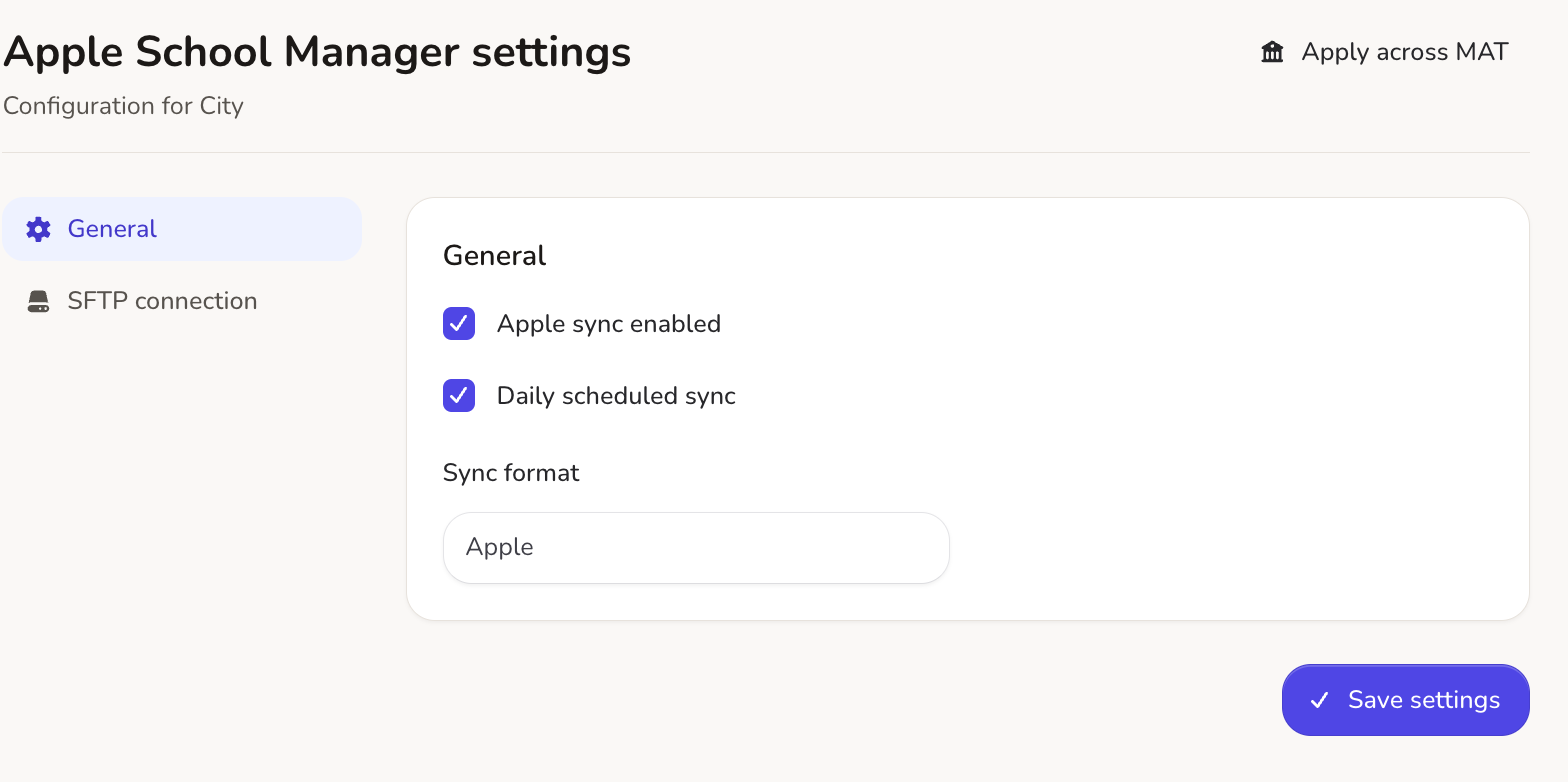
Linking your MIS to Apple’s SFTP upload takes a few clicks in Realsmart:
-
Step-by-step set-up: Tooltips guide you through adding your Apple School Manager SFTP details.
-
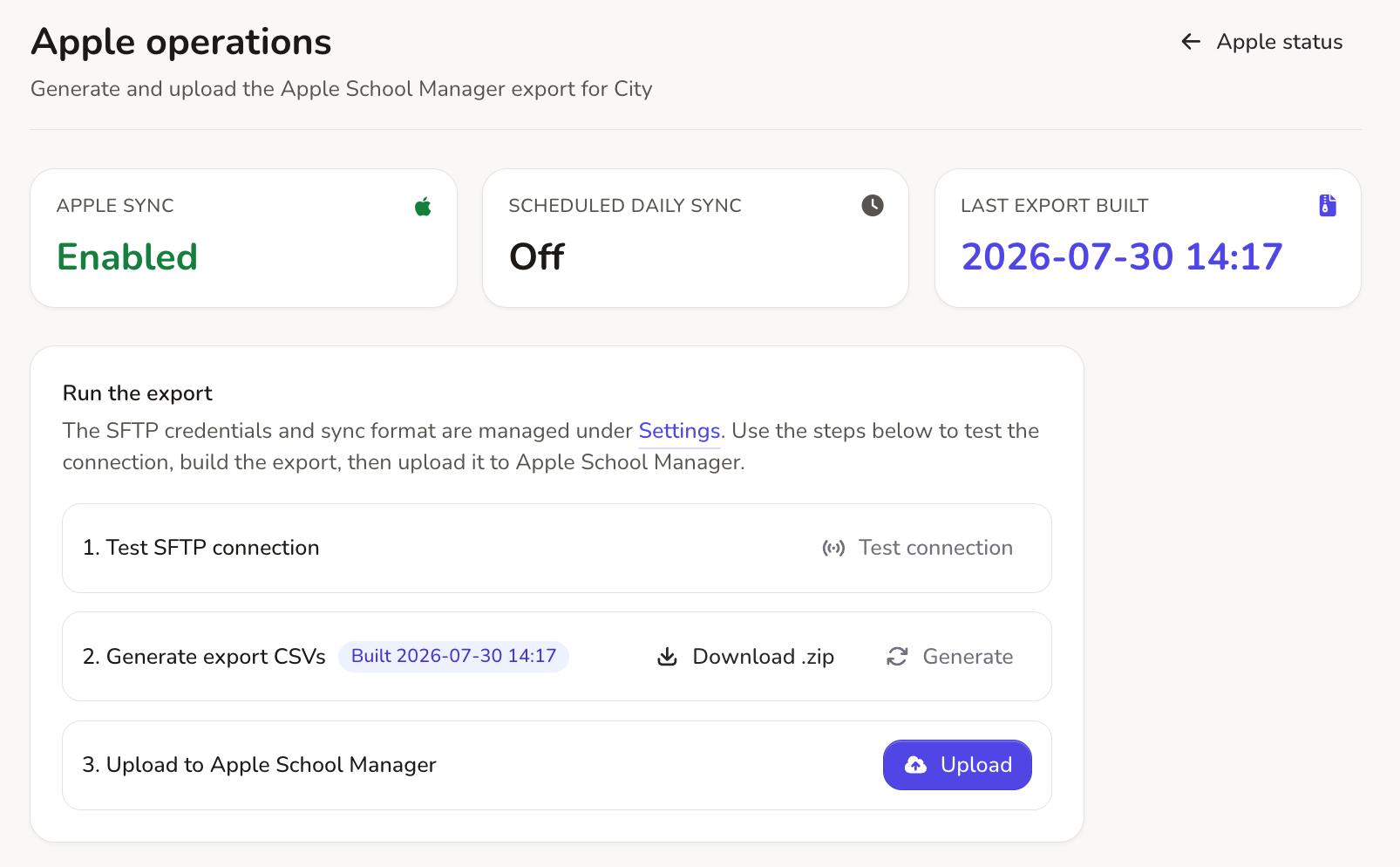
Check before upload: Test your data before anything reaches Apple.
-
Files in the right format: Built to Apple’s CSV rules, so they import first time.
On a schedule, or on demand
You decide when Apple School Manager gets new data from your MIS:
-
Scheduled uploads: Run in the background, so your directory stays current.
-
On demand: Need a new pupil or teacher set up now? Send an update with one click.
-
Less admin: No manual CSV work.
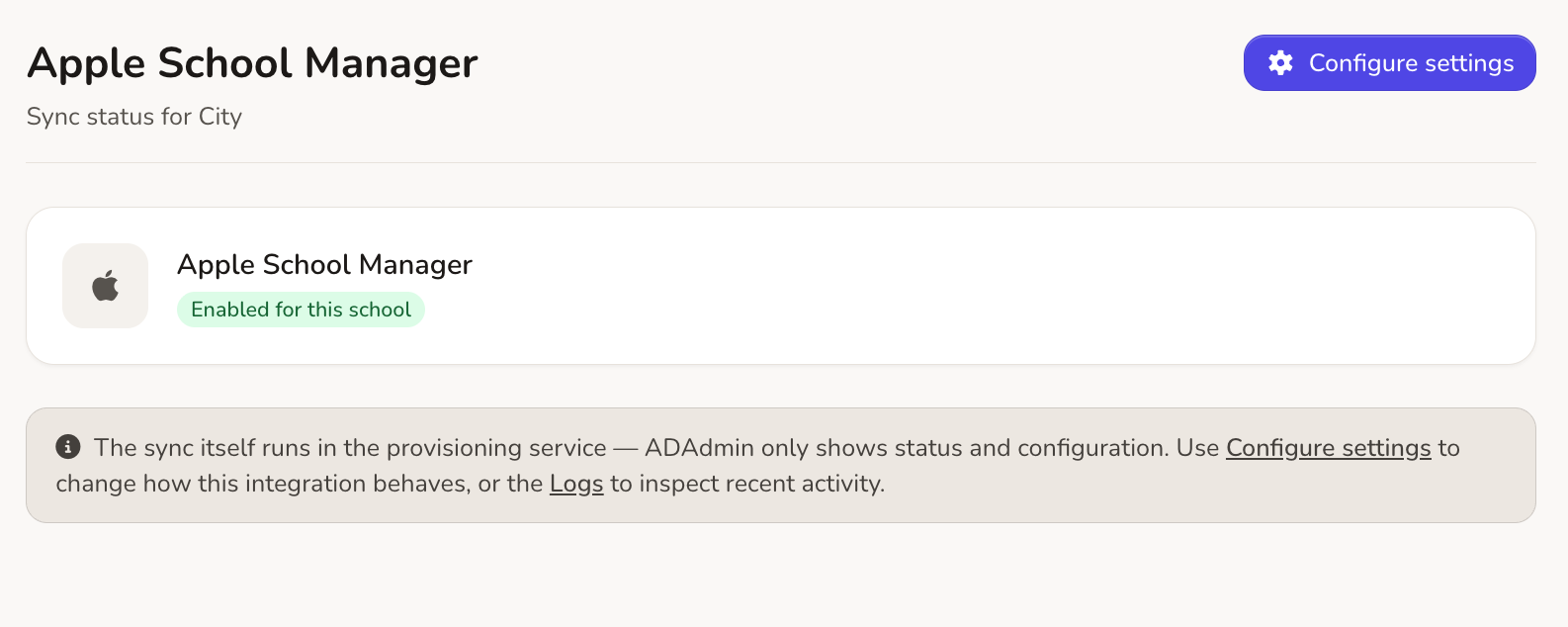
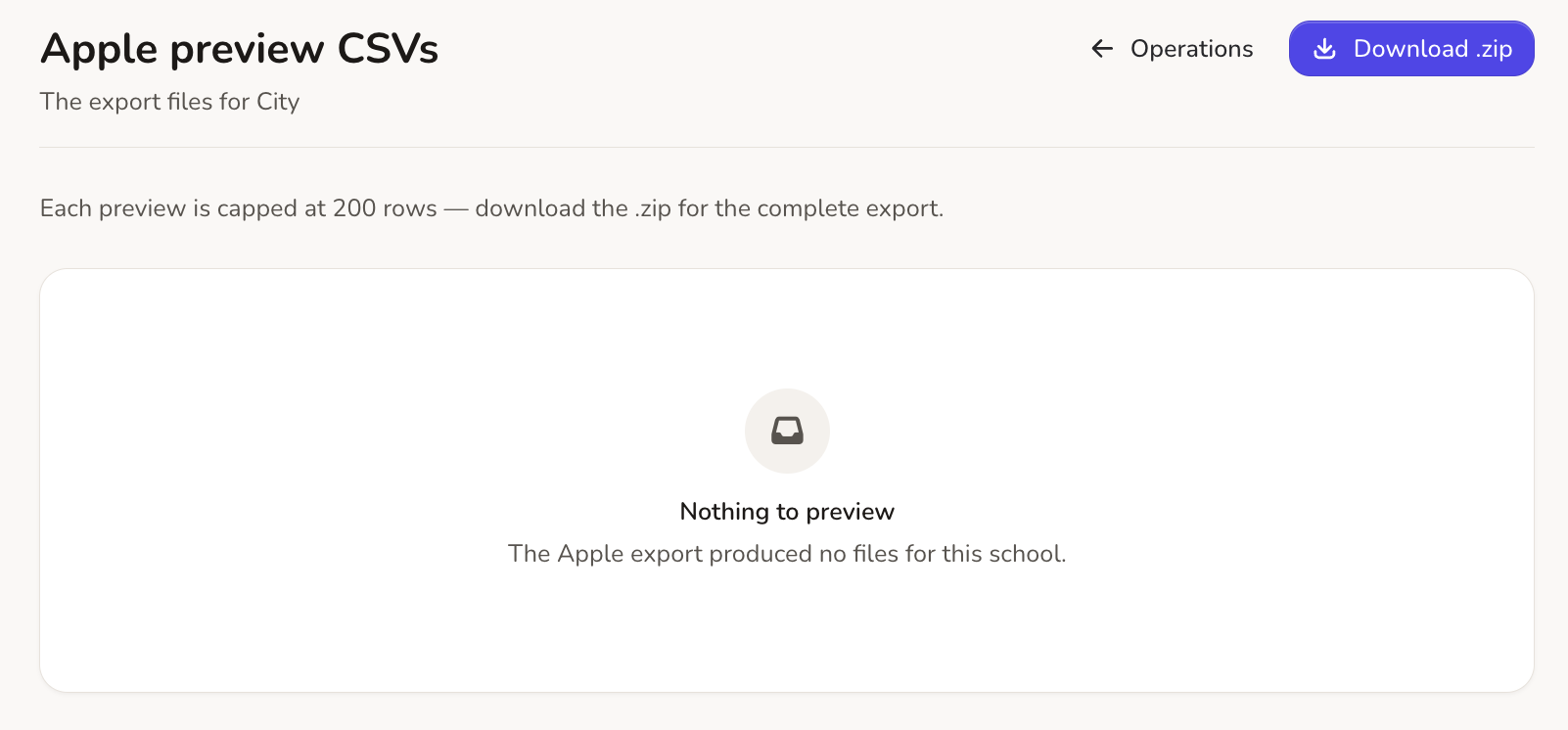
No hidden errors. Your Apple data, in plain sight.
Every sync shows its status and keeps a clear log. Fix exceptions yourself, or follow our .
Files Apple accepts
Import files built to Apple’s SFTP specification.
Plain-English status and logs
Spot a wrong pupil ID or a missing email address straight away, without guessing.
Jamf and MDM
Makes device assignment, Classroom app set-up and shared iPads simpler.
Everything you need for Apple
Our UK support team helps you set up your Apple School Manager sync and keeps it running smoothly.
Managed Apple IDs
Accounts for staff and pupils, straight from your MIS.
Courses and classes
Subjects, teachers and pupil groups, ready for Apple Classroom.
Automatic uploads
Files sent securely to Apple’s SFTP server.
Jamf School
Data ready for MDM enrolment in Jamf.
Daily MIS sync
Joiners, leavers and class moves picked up every day.
Step-by-step tooltips
Help on screen at every step of set-up.
Sync on demand
Push an update straight away during the start-of-term rush.
UK support and guides
UK support and full documentation when you need them.
Sync Apple, Google Workspace, Entra ID and Active Directory together.
Running iPads alongside Chromebooks or Windows PCs? Realsmart runs every directory sync, cloud and on-site, from one dashboard.